これまでの説明では、小さな例ばかりを紹介してきました。しかし、それだけではPrototype.jsをすぐ使うというのは、難しいかもしれません。
というわけで、今までの復習の意味も込めて最後に実用的な大きな例をひとつ紹介します(リスト26)。
リスト26:要素をドラッグ可能にするクラス
<html>
   <head>
      <script type="text/javascript" src="prototype.js"></script>
      <script type="text/javascript">
// <![CDATA[

// Draggable クラス
var Draggable = Class.create();

Draggable.prototype = {

   // コンストラクタ
   initialize: function(elem, opts) {

      // 要素の設定
      this.elem = $(elem);

      // オプションの解決
      this.opts = Object.extend({
         x: Math.random() * 800,
         y: Math.random() * 400,
         width: 100,
         height: 100,
         color: 'red',
         opacity: 0.5
      }, opts || {});

      // 要素の見た目を作る
      this.elem.setStyle({
         'width': this.opts.width + 'px',
         'height': this.opts.width + 'px',
         'background-color': this.opts.color,
         'opacity': this.opts.opacity,
         'position': 'absolute'
      })

      // 位置の初期化
      this.move(this.opts.x, this.opts.y);

      // イベントの割り当て
      this.elem.observe('mousedown',
         this.capture.bindAsEventListener(this));
      Element.observe(document, 'mouseup',
         this.uncapture.bind(this));
      Element.observe(document, 'mousemove',
         this.moveByMouse.bindAsEventListener(this));
   },

   // キャプチャ
   capture: function(e) {
      this.captured = true;
      this.mouseX = Event.pointerX(e);
      this.mouseY = Event.pointerY(e);
   },

   // アンキャプチャ
   uncapture: function() {
      if(this.captured) this.captured = false;
   },

   // 移動メソッド
   move: function(x, y) {
      this.x = x;
      this.y = y;
      this.elem.setStyle({
         'left': x + 'px',
         'top': y + 'px',
      });
   },

   // 差分移動メソッド
   moveBy: function(x, y) {
      this.move(this.x + x, this.y + y);
   },

   // マウスイベントから呼び出す用の差分移動メソッド
   moveByMouse: function(e) {
      if (this.captured) {
         var oldX = this.mouseX, oldY = this.mouseY;
         this.mouseX = Event.pointerX(e);
         this.mouseY = Event.pointerY(e);
         this.moveBy(this.mouseX - oldX, this.mouseY - oldY);
      }
   }
};

// クラスメソッド
Object.extend(Draggable, {

   create: function(elem, opts) {
      return new Draggable(elem, opts);
   }
});

// グローバル変数を用意
var draggables;

Element.observe(window, 'load', function() {
   draggables = $$('div.draggable').collect(Draggable.create);
});

// ]]>
      </script>
   </head>
   <body>
      <div class="draggable"></div>
      <div class="draggable"></div>
      <div class="draggable"></div>
   </body>
</html>
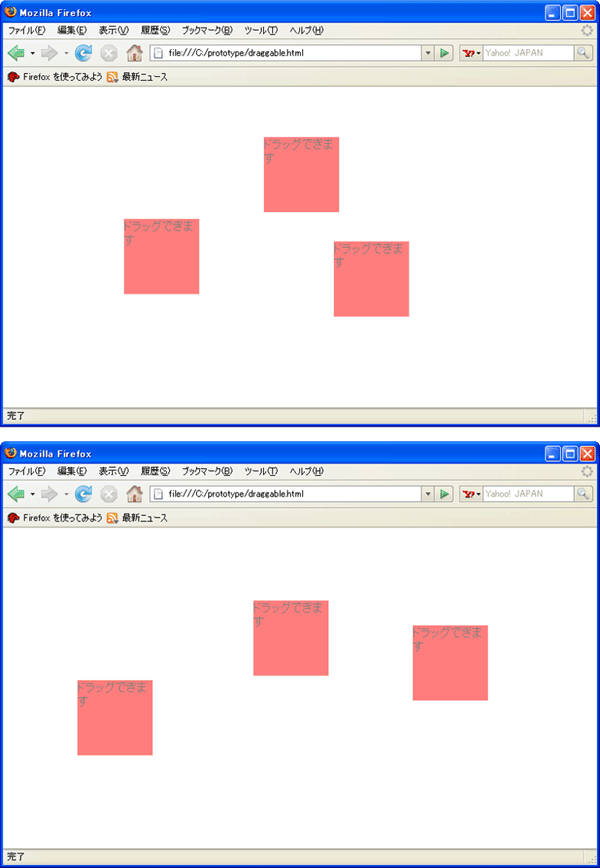
この例では、要素をドラッグ可能にするクラスを紹介します(図1)。
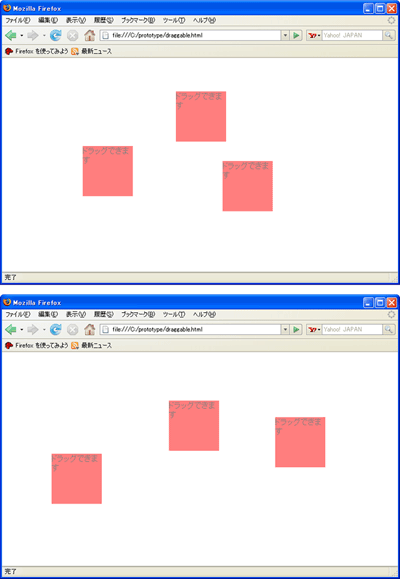 図1:要素をドラッグできるようにする (画像をクリックすると別ウィンドウに拡大図を表示します)
Event.pointerXやEvent.pointerYについては説明していませんでしたが、これらはイベントオブジェクトからマウスポインタの位置を取得するためのメソッドです。
どうですか。このクラスの挙動が理解できたでしょうか。このように、Prototype.jsでは要素を管理するためのクラスを作ることが非常に多いのです。むしろ、要素を管理するためにクラスがあると言っても過言ではないでしょう。
そして、今までに紹介してきた、クラス、関数、配列(データの操作)、要素、この4つの要素をうまく使いこなすことでPrototype.jsはほぼ使いこなすことができてしまうのです。
|